


























Teltonika RMS - Remote administration system for 1 month (Credit)


 Planned Delivery Date by Courier to you 04-11-2026



Product description
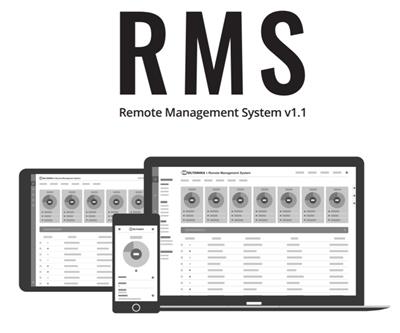
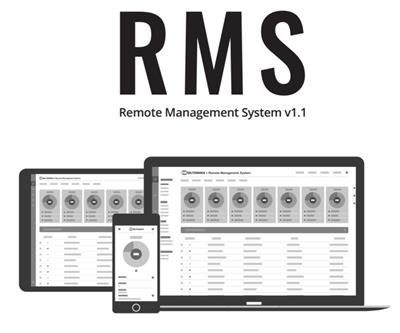
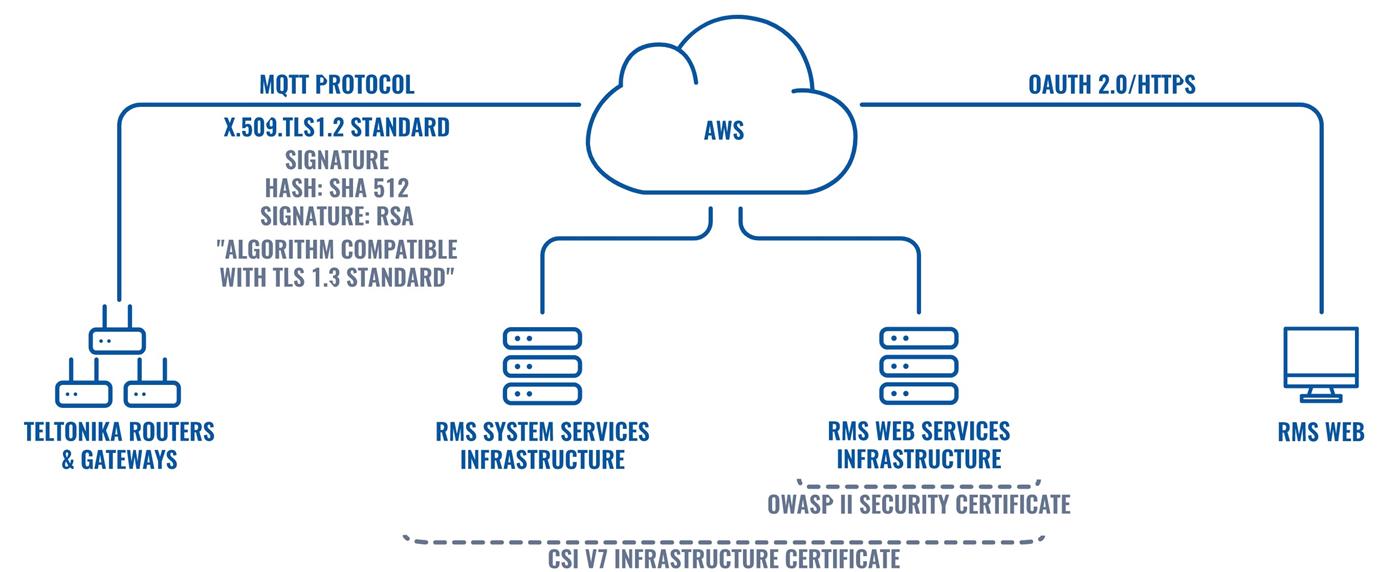
Teltonika RMS is a cloud-based platform for remote management, monitoring, and secure access to Teltonika Networks devices. It also works in networks without a public IP address, typically with LTE/5G connections behind CGNAT.
The device establishes a secure outbound connection to the cloud, so port forwarding, a public IP address, or your own VPN server are not required for remote management.
What can Teltonika RMS do?
RMS Management – remote management and monitoring of devices. It allows you to monitor connectivity, signal strength, data usage, uptime, and other parameters, change device configuration, work with templates and backups, perform bulk firmware updates (FOTA), and set up notifications and automation.
RMS Connect – secure remote access to the router's WebUI and to devices connected behind it, such as cameras, PLCs, industrial computers, or POS systems. It supports access via HTTP(S), SSH, RDP, and VNC without requiring a public IP address.
RMS VPN – cloud-based VPN infrastructure for remote technician access and interconnecting multiple sites, for example using site-to-site or hub-and-spoke scenarios. It can be deployed without the need to operate your own VPN server.
How does RMS Credit work?
RMSCREDIT000 is one RMS Credit. 1 credit = 30 days of RMS Management for 1 device.
After activating the credit, it can be used for RMS Management of a compatible device. For example, one credit provides:
- 1 device for 30 days
With multiple credits, the number of devices and the service period can be combined as needed – for example, 12 credits can be used for 1 device for 12 months or 12 devices for 1 month.
RMS Credit can also be used for RMS Connect and RMS VPN
RMS Credit is not permanently limited to RMS Management. After the credit is added to an RMS account, it can also be converted into Company Data as required.
1 RMS Credit = 2 GB of Company Data, which can then be used for RMS Connect and RMS VPN.
Important: when the license code itself is activated, you do not choose between RMS Management, RMS Connect, and RMS VPN. The code simply adds the RMS Credit to the company account. The way the credit is used is decided later within the RMS platform.
A new device typically includes a 30-day RMS Management trial. A newly created RMS company also receives a certain amount of Company Data for testing Connect and VPN.
RMS Management
Device management, credits, Company Data, and other RMS services are managed through the Teltonika RMS web interface.