

































Category

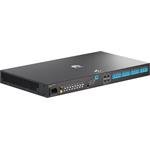
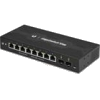
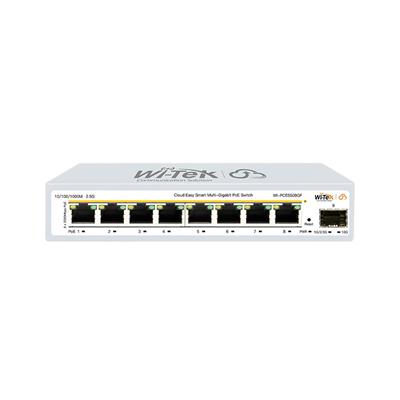
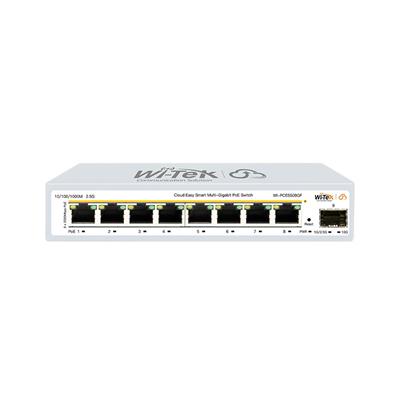
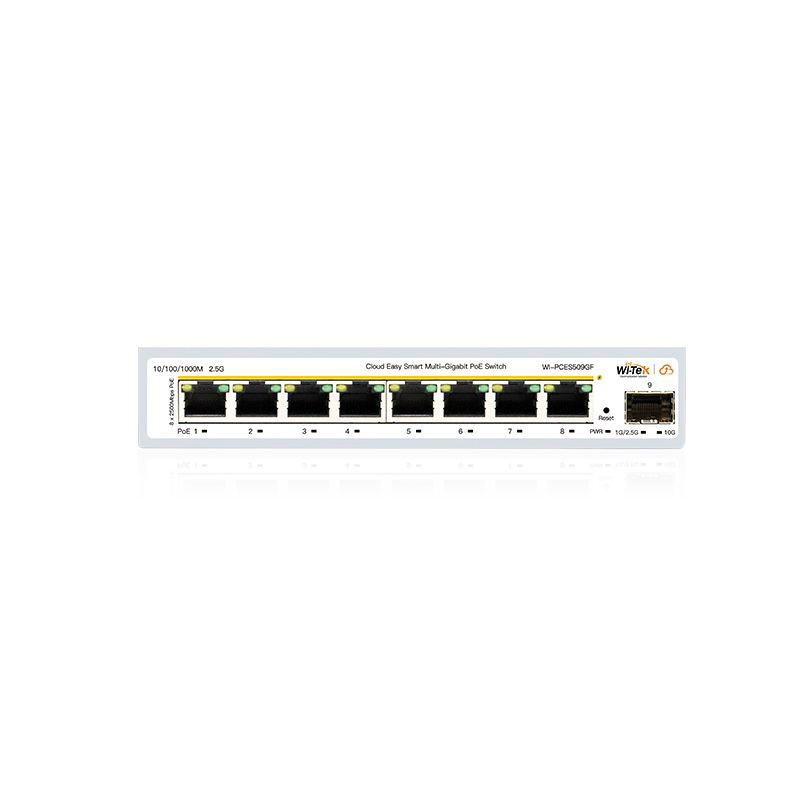
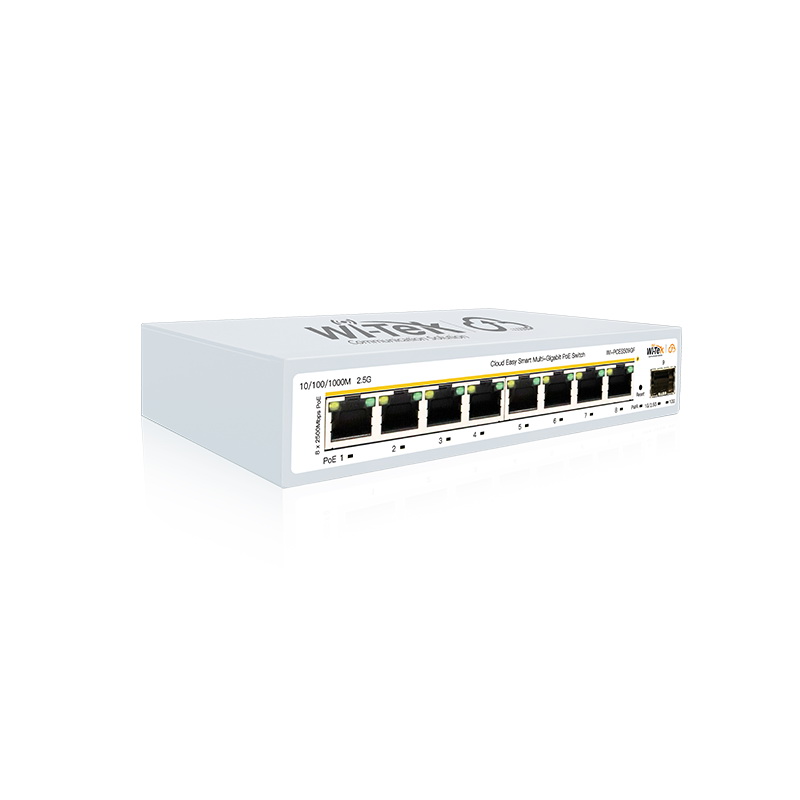
Wi-Tek WI-PCES509GF Cloud Easy Smart multi-gigabit PoE switch, 8x PoE

Your price incl. VAT (20.0%)
786.89 RON
❌ The item is not available. There is no option to order.
 No confirmed delivery date
32.19 RON excl. VAT

53.64 RON excl. VAT
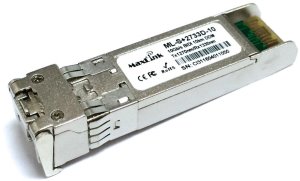
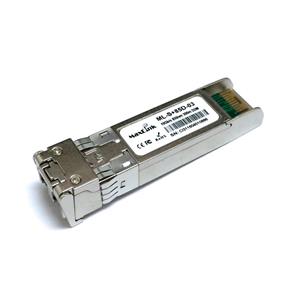
MaxLink 10G SFP+ optical module, WDM(BiDi), SM, Tx 1270/Rx1330nm, 10km, 1x LC connector, DDMML-S+2733-10
69.76 RON excl. VAT
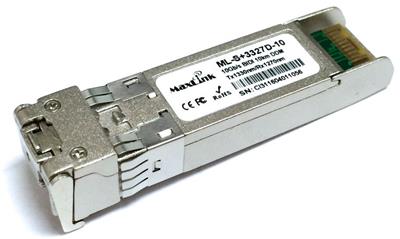
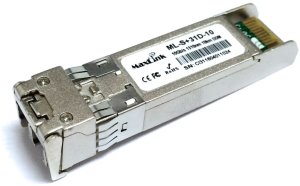
MaxLink 10G SFP+ optical module, WDM(BiDi), SM, Tx 1330/Rx1270nm, 10KM, 1x LC connector, DDMML-S+3327-10
69.76 RON excl. VAT


Product description
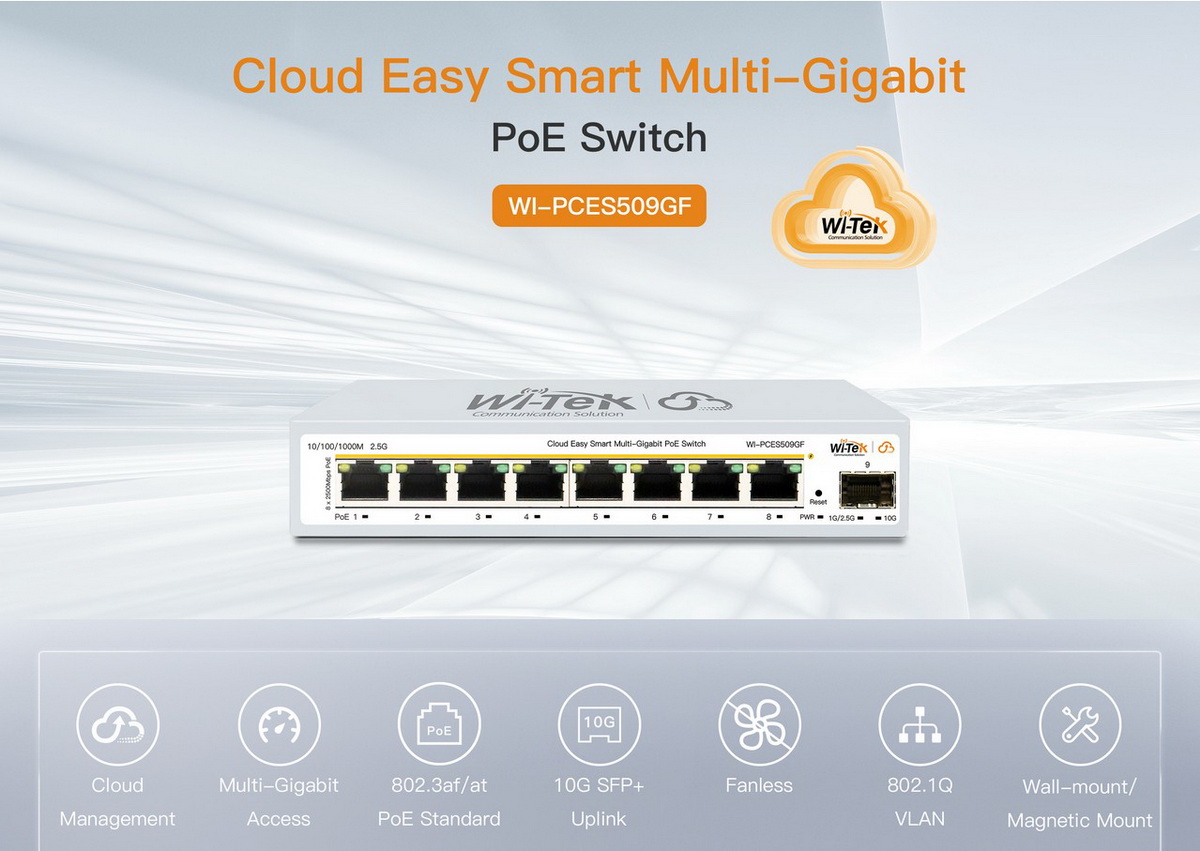
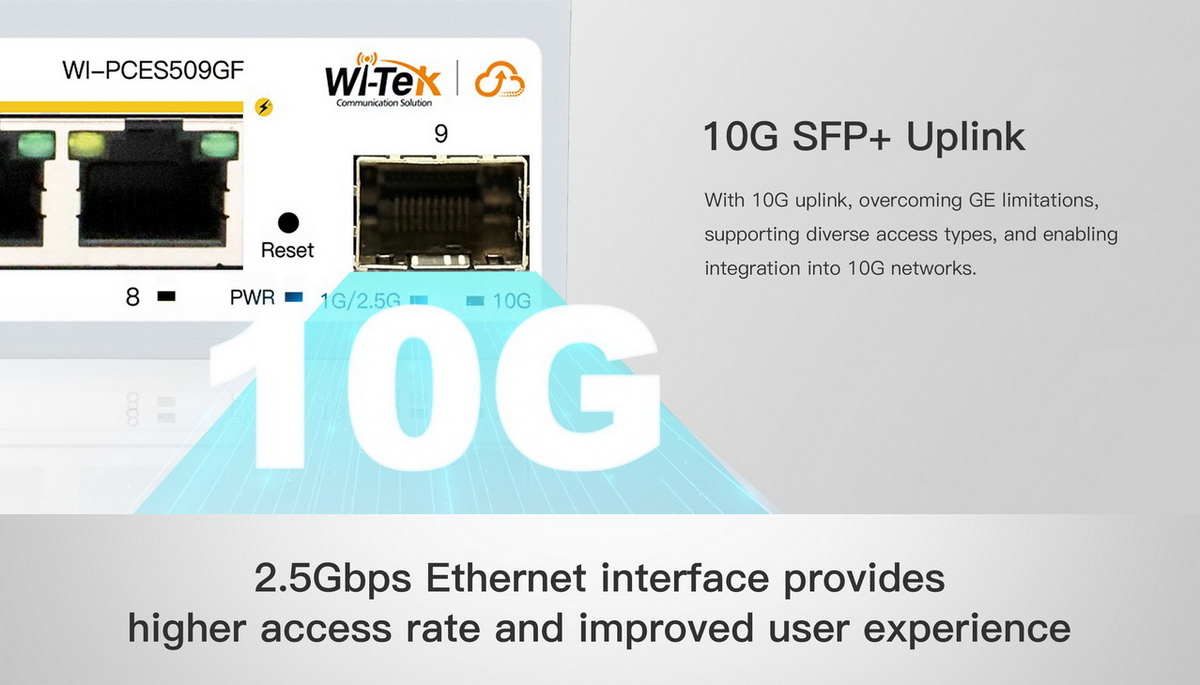
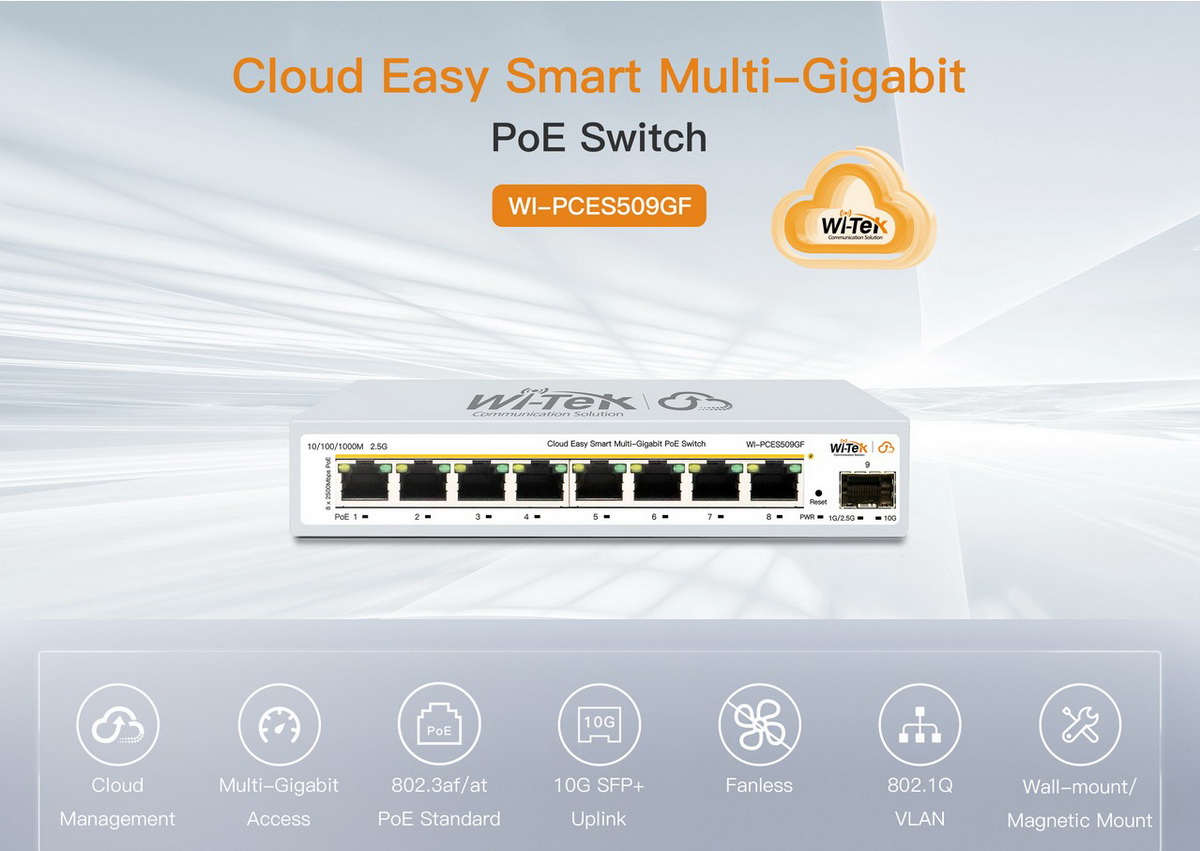
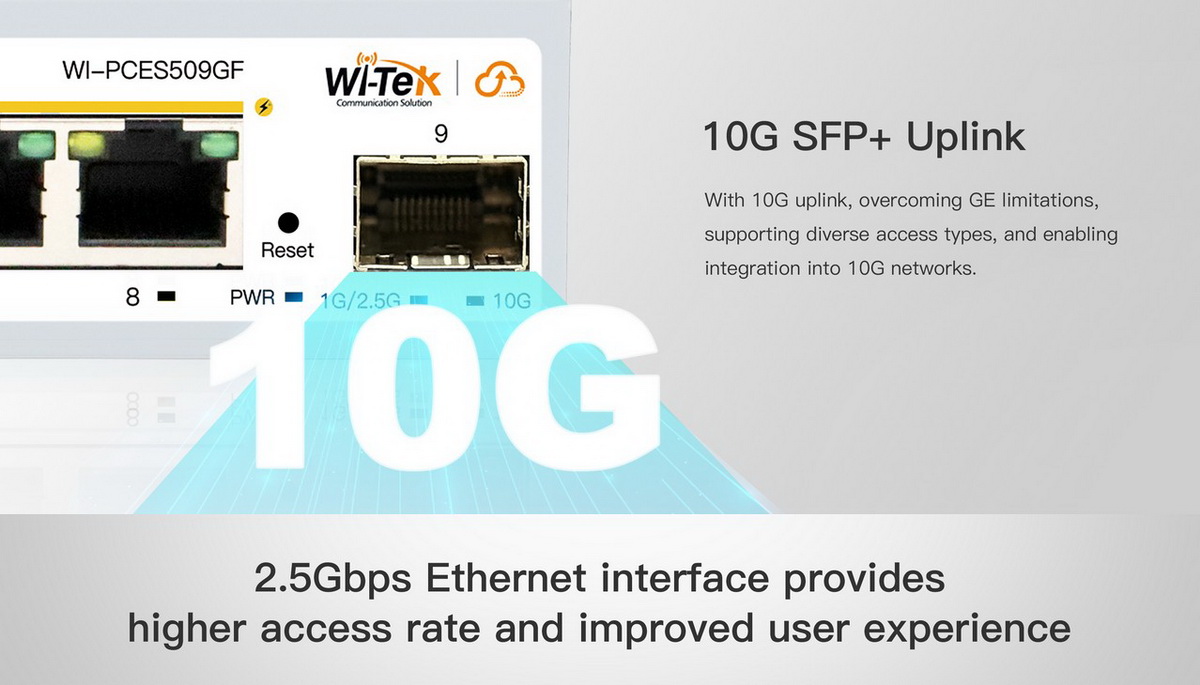
WI-TEK-PCES509GF is a managed PoE switch that allows connection and power supply of network devices such as IP cameras, access points, and other network equipment via the IEEE 802.3af/at standard. Thanks to its compact design, the device can be easily placed on a desk or mounted on a wall. The switch offers a combination of PoE Ethernet ports and a (1) optical port for flexible network expansion. It features eight (8) PoE Ethernet ports supporting data rates of (10/100/1000 Mbps and 2.5 Gbps), and (1) optical SFP+ slot supporting speeds of (1 Gbps, 2.5 Gbps, and 10 Gbps). The device is powered via DC 55V / 2.8A and has a power consumption of 6.64 W.
Key features
- Management: WI-TEK-PCES509GF can be remotely managed through the Wi-Tek cloud platform/mobile APP
- Installation: Wall Mount, on table and magnetically attached to the cabinet
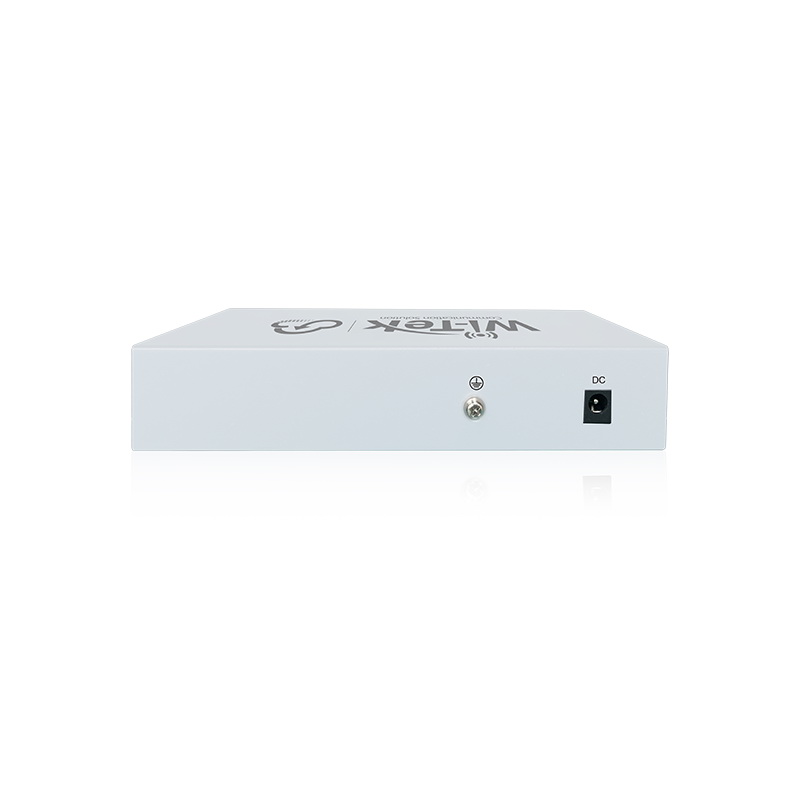
- Power Supply: DC 55V/2,8A
- Connection: (8) ethernet PoE 802.3af/at ports (10 Mbps / 100 Mbps / 1000 Mbps / 2.5 Gbps) and (1) optical SFP+ port (1000 Mbps / 2,5 Gbps / 10 Gbps)
Package contents
- Device
- Power Adapter
- Quick Installation Guide
- (4) Magnetic Accessory
Download
Technical parameters
LAN ports
Jumbo frame [Bytes]
12000
Design
Desktop, On the wall
Switchning capacity [Gbps]
60
MAC address table
4000
Web management
Yes
Management
Web management, Wi-Tek Cloud
Features
VLAN
Power type
DC connector
Fans
No
LAN speed
(8) 100/1000/2500 Mbps
Max. LAN ports speed
2.5G
PoE type
PoE-Out (only)
RJ45 ports 2.5G
8
SFP+ cages
1
Optical interfaces
(1) 1/2.5/10Gbps
PoE-Out standards
802.3af, 802.3at
PoE Out ports
8
PoE budget [W]
130
Max. power consumption [W]
6.6
Chassis design
Metal
Power via connector/terminal
55V/2.8A
Buttons
Reset
Operating temperature [°C]
-10 up to 50
Weight [g]
480
Depth [mm]
94
Width [mm]
168
Height [mm]
32
Default IP address
Dynamic from DHCP, 192.168.0.1
Default login and password
Is set by the user at the first startup